

HealthTAG NFC & Smartcard Reader
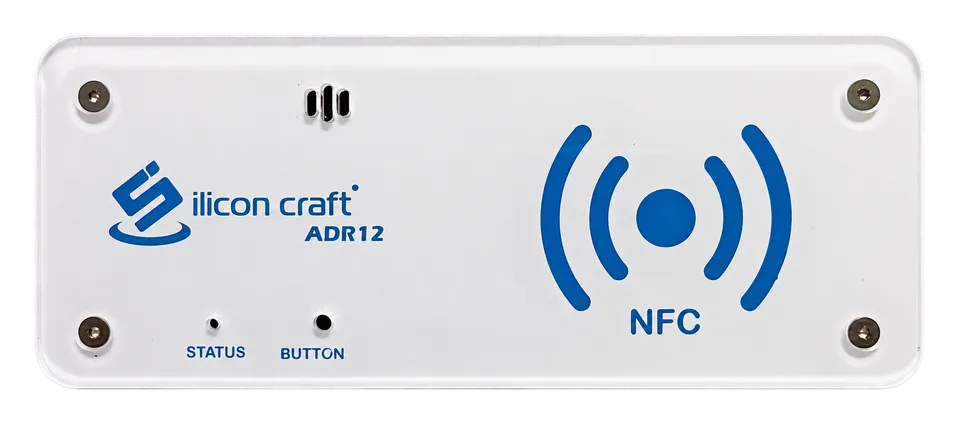
Use this program with Silicon Craft ADR12 and a smart card reader. It supports Windows 10 build 17763 or newer and Windows 11 on x86, x64, or ARM64.
- Current version
- 1.2.7.0
- Download host
- software.healthtag.io
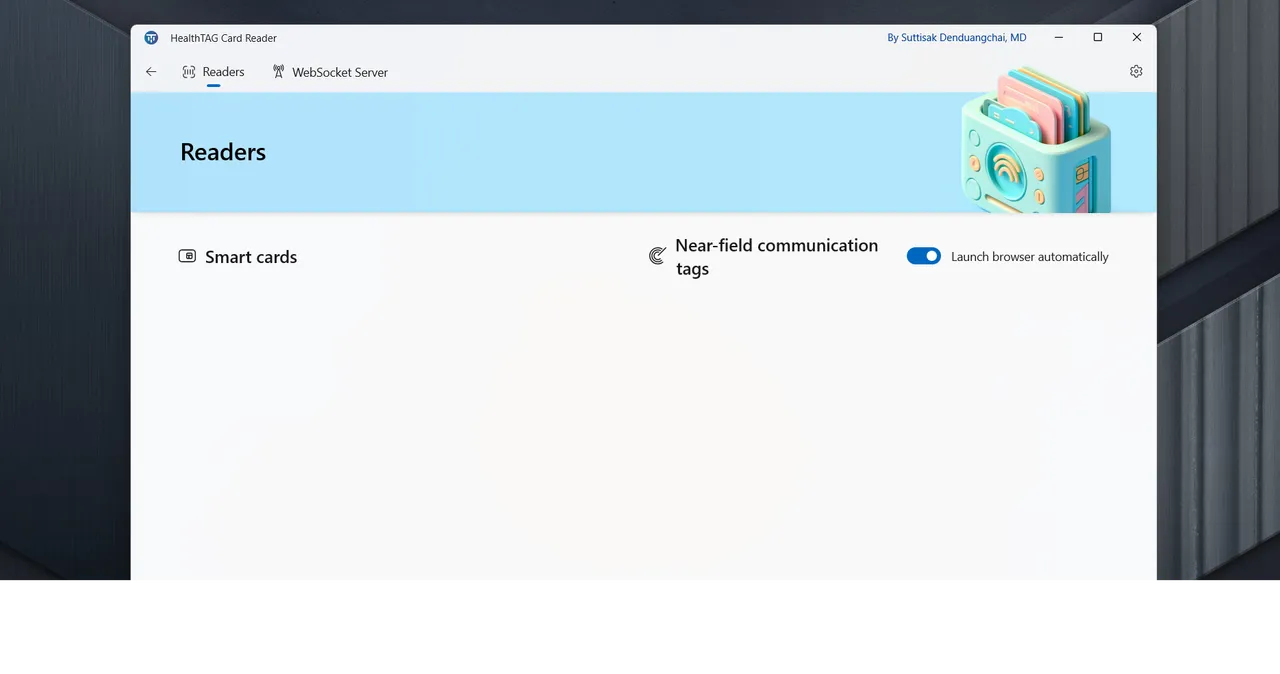
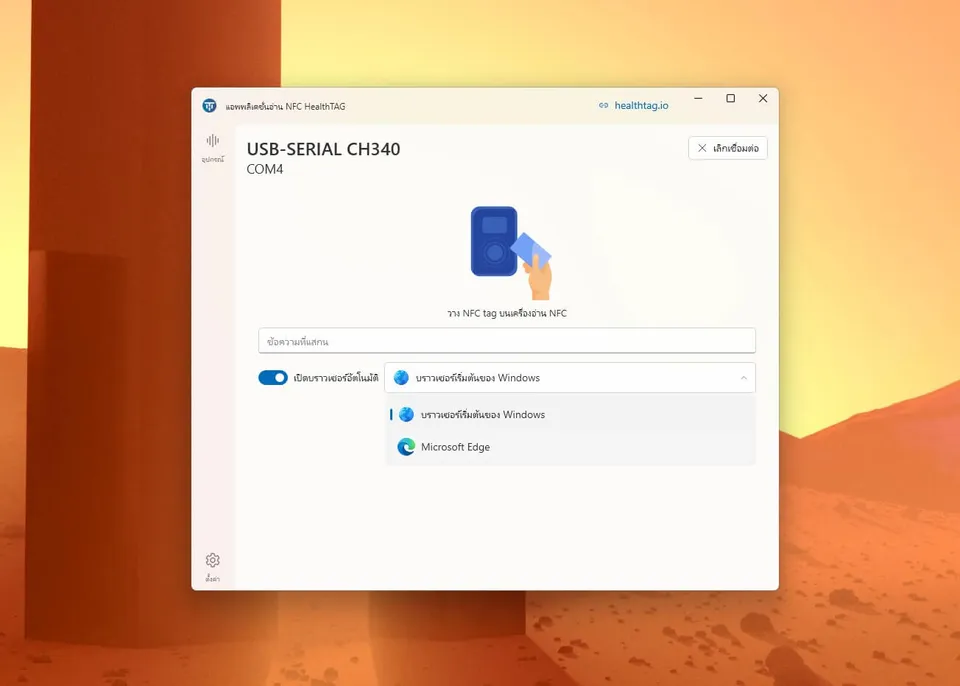
Start with the Silicon Craft ADR12 driver, then install the reader program that matches your device.

Install Driver 3.7 before connecting the reader program. Driver 3.8 still has a connection problem with Silicon Craft ADR12.
For Windows 7, 8, 8.1, 10, and 11 on x86, x64, or ARM64.
Use this program with Silicon Craft ADR12 and a smart card reader. It supports Windows 10 build 17763 or newer and Windows 11 on x86, x64, or ARM64.

Confirm that the device is a Silicon Craft ADR12.
Use the download above. Driver 3.8 has a known ADR12 connection problem.
Open the installer page and choose Get the app.
Open the program and confirm that the reader appears before using an NFC tag or smart card.
Use ZeeSpeed Serial to connect Silicon Craft ADR12 to a device running Android 9 or newer. The download opens a HealthTAG SharePoint folder.
Open Android downloadCommunity Edition and Data Source Node are separate products. Their services, commands, and configuration files are not interchangeable.
The open-source manual covers the Community Edition stack, Kong configuration, CSOP-to-FHIR processing, hospital administration, and the patient web application. The source manual is in Thai.
Open Community Edition manualExample passwords and open ports come from the Community Edition manual. Use them only in an isolated test network and replace every credential before connecting a real system.
This program remains available for older installations. New installations should use HealthTAG NFC & Smartcard Reader above.
Use this program only when an existing installation requires it. The standard installer supports Windows 10 build 19041 or newer and Windows 11 on x86 or x64. Separate x86 and x64 installers remain available for Windows 7.

For reader issues, include the device model, operating system version, and failed step. For Data Source Node, include its revision, service versions, failed verification step, and redacted logs. Never send patient information, medical records, passwords, credentials, private keys, or unredacted logs.